4. Set up the stock
- In the project tree on the left, choose Stock under Setup 1 (or scroll the Inspector to Stock).
- Choose the Cylinder shape. The program fills in a diameter and length that surround the part with a small allowance: a 24 mm diameter, 63 mm long bar starting 1 mm before the part. Leave them.
- Under Material, pick Hardwood.
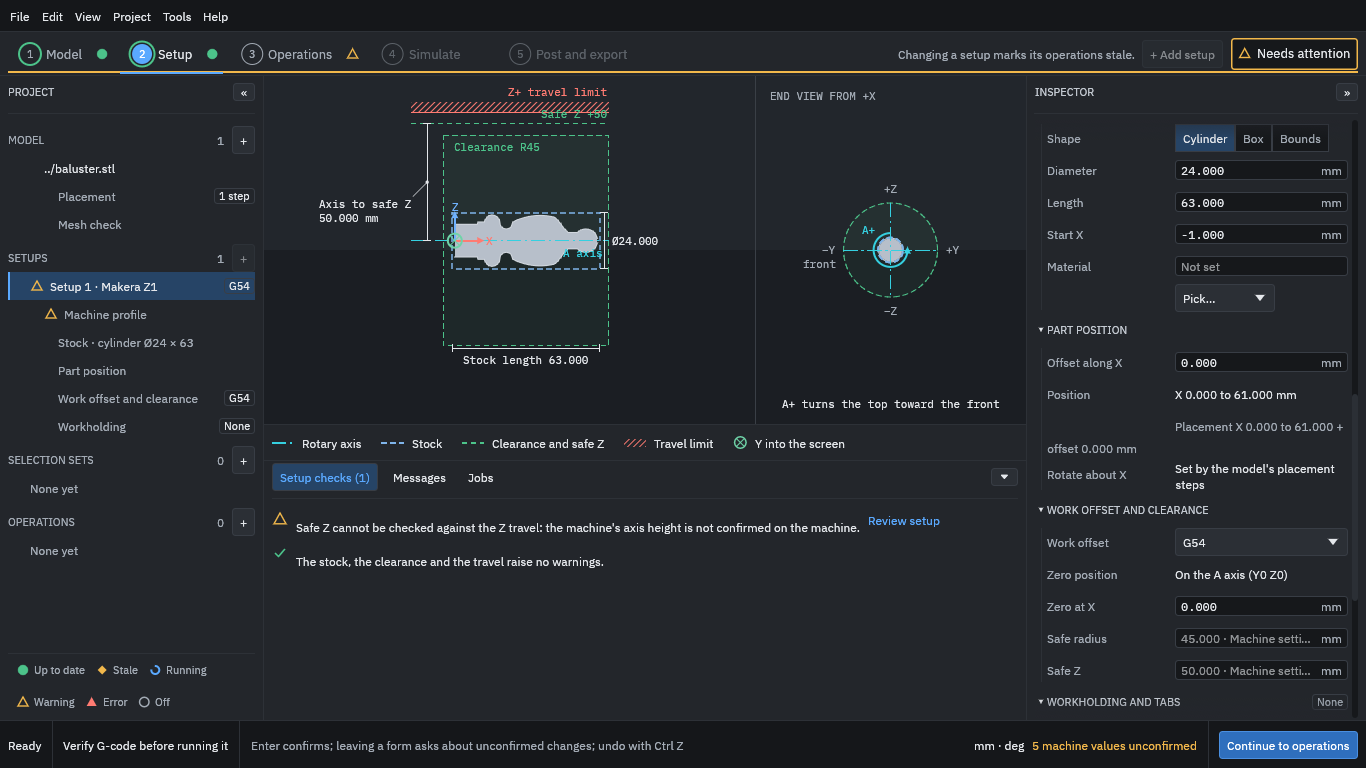
The stock appears as the dashed outline around the part. The material choice matters because the tool library has cutting data for each material, which the operations use later. Stock and the held region says more about the stock.